
Upload Signature to the Connectors
Overview
In a Field Nation work order, there is a section where providers can add signatures. You can configure your integration to automatically upload these signatures to your connected platforms.
The signatures are uploaded as PNG files.
This feature is currently supported for the following connectors:
- Salesforce
- Autotask
- ServiceNow
Configuration Settings
To enable signature uploads, follow these steps:
- Navigate to Integration Configurations > Deliverables Link.
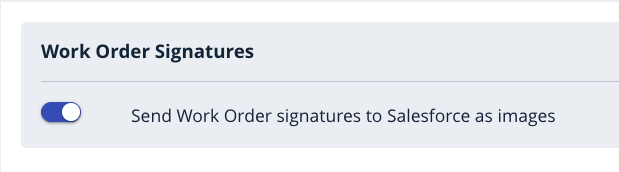
- Locate the settings for Work Order Signatures.
Enable the Work Order Signatures toggle. Then click the Save button.
Important Notes
- Public Access: Signatures are public.
- Event Independence: The uploading of signatures is not dependent on specific work order events; it is handled as a deliverable.