Upload Files to the Connectors
Overview
Clients can upload deliverable files from Field Nation work orders to connected systems. This allows providers to share documentation, photos, reports, and other files directly to your integrated platforms.
Configuration Settings
To enable file uploads to your connectors, follow these steps:
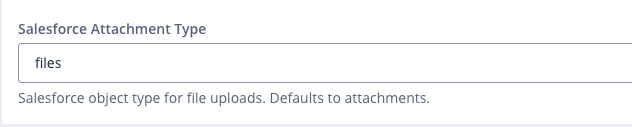
- Navigate to Integration Configurations > Settings Link. And set the attachment type to files (Applicable for salesforce connector only).
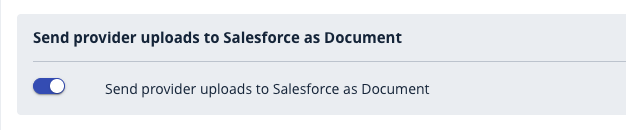
Go to Client Documents Link and enable Send provider uploads to Salesforce as Document.
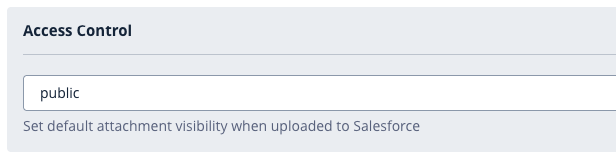
Return to Deliverables Link to configure the Access Control settings.
Access Control Options
Choose the appropriate access level for uploaded files:
- Public: Files are visible to all users in the connected system.
- Private: Files are accessible only to administrators and users with appropriate permissions.