Create the client ID, client secret, and My Domain name the Field Nation connector needs for client credentials, then return to the setup guide.
Client credentials replace the username and password. Once Salesforce gives you the values, enter them in Field Nation.
When you reach Configure Field Nation, Step 3 (Credentials), enter the values as described in Enter the credentials in Field Nation.
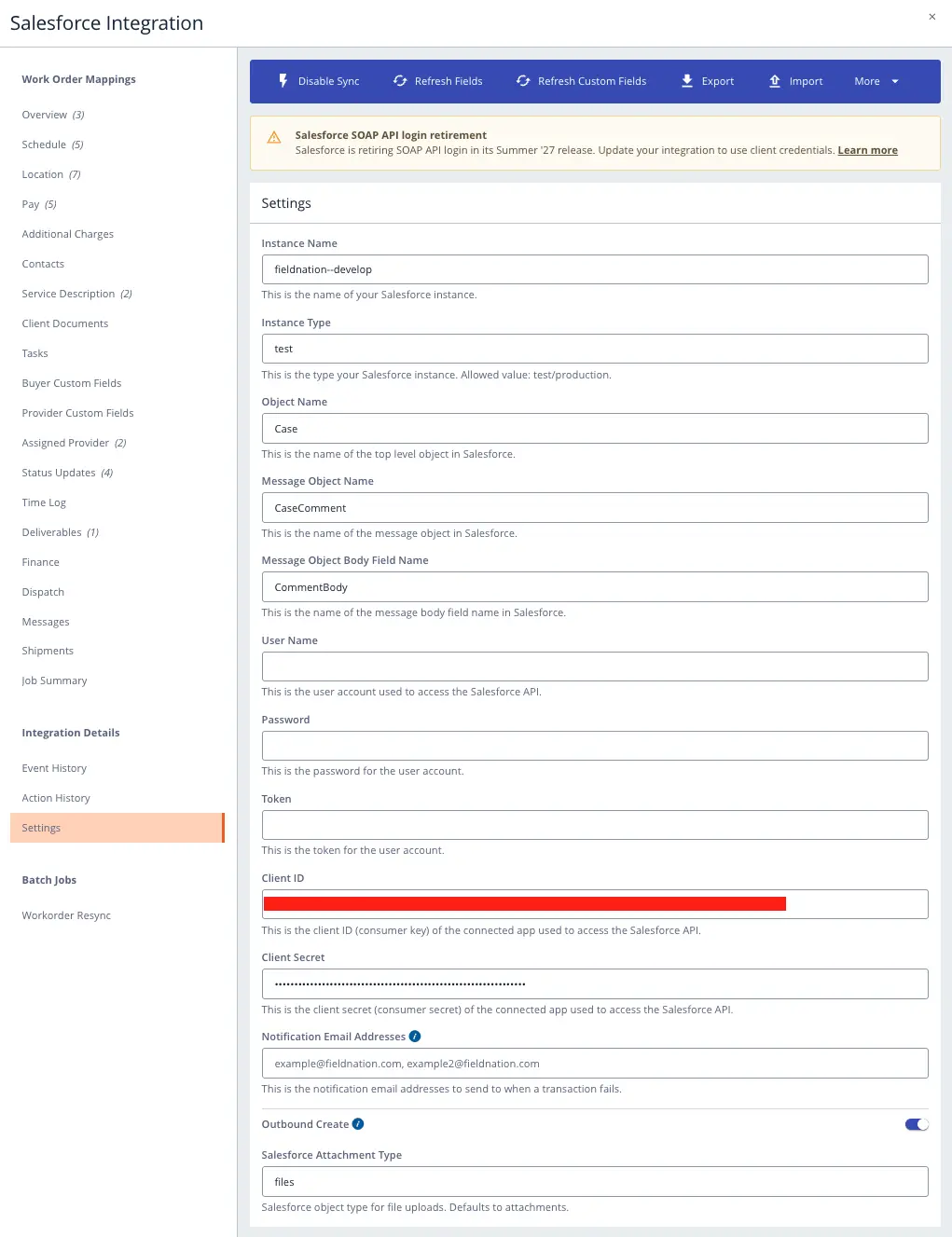
Continue at Step 7 of Configure Salesforce. After Field Nation saves the connection, run the tests in Save and run end-to-end tests and check Event History. Then confirm the switch to client credentials as described in Verify the switch.
Still facing difficulties to configure? Contact Field Nation Support.
Last updated on
