Everything you need before building your Field Nation integration
Ensure you have the following before starting development:
client_id and client_secret for authentication.You must have an executed Integration Contract and an active Buyer Account.
Don't have an account or contract? Contact Sales or your Account Manager.
To get your client_id and client_secret:
Log in to your Field Nation account.
Navigate to Integration → Field Services from the top navigation.
Click Manage on the REST API v3 card.
Copy the Client ID & Client Secret. You can generate a new secret by clicking the "Generate new secret" button.
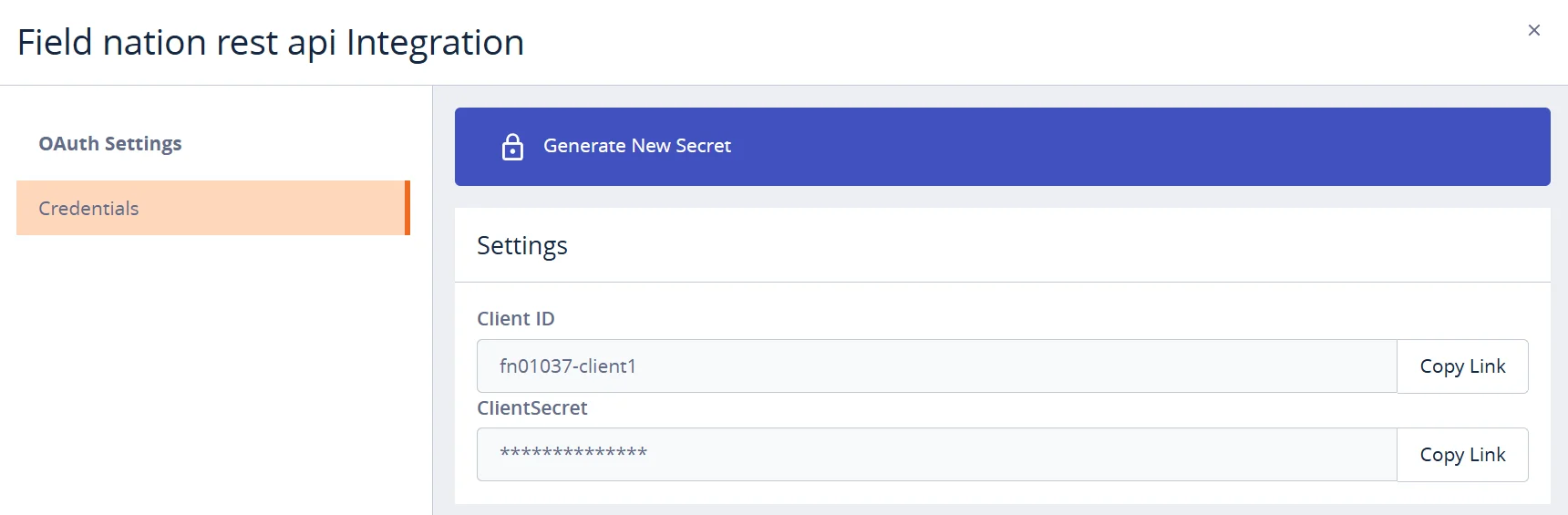
Important
Store your client_id and client_secret securely. Do not commit them to version control.
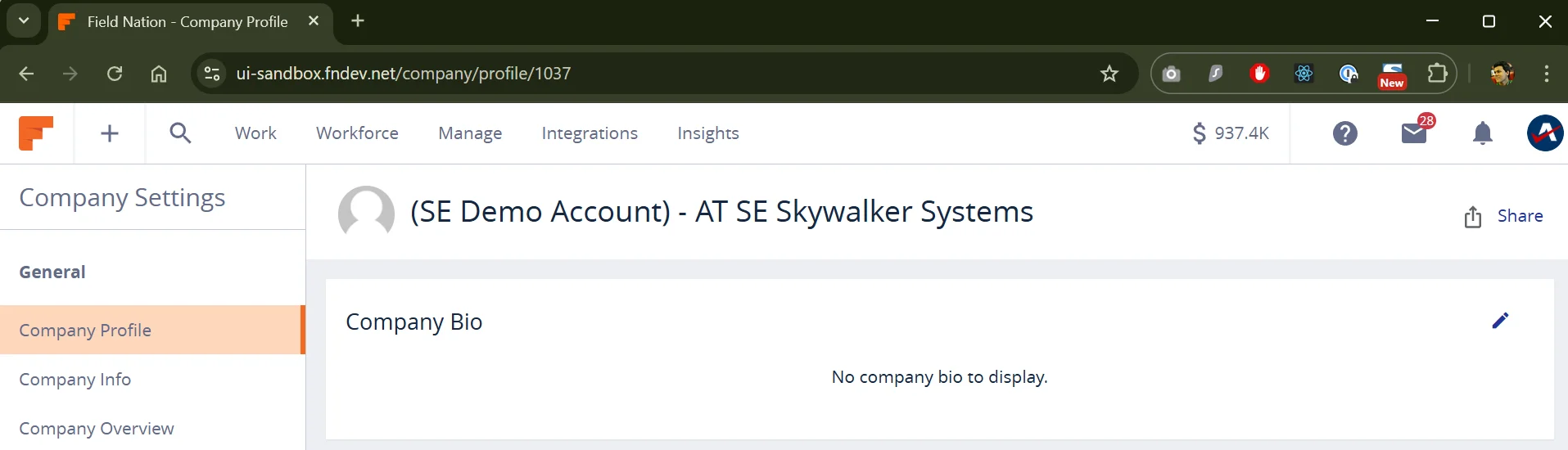
You will need your Field Nation Company ID for API requests (x-fn-company-id header) and support cases.
Log in to the Field Nation Platform.
Click your user icon (top right) → Company Settings.
Click Company Profile. Your ID is the number at the end of the URL.
Outbound Access (HTTPS / 443):
https://api-sandbox.fndev.nethttps://api.fieldnation.comIP Whitelisting is not required for outbound calls.
Inbound Access (Allowlist): Ensure your firewall allows Field Nation's IPs:
Sandbox:
44.225.211.232
44.237.253.26
Production:
3.226.5.230
34.198.172.230Once you have your credentials and Company ID, go to the Quick Start to connect.
Last updated on
